
Viewing shared results
Audience: Anyone with a share link (no account required)
Goal: Understand what external viewers see when opening a PrismBI public share.
Open a share link
Tenant admins publish time-limited links from the Sharing page. Recipients open a URL like:
https://<your-portal-host>/share/<token>No sign-in is required. The page loads a redacted replay of the approved content only.
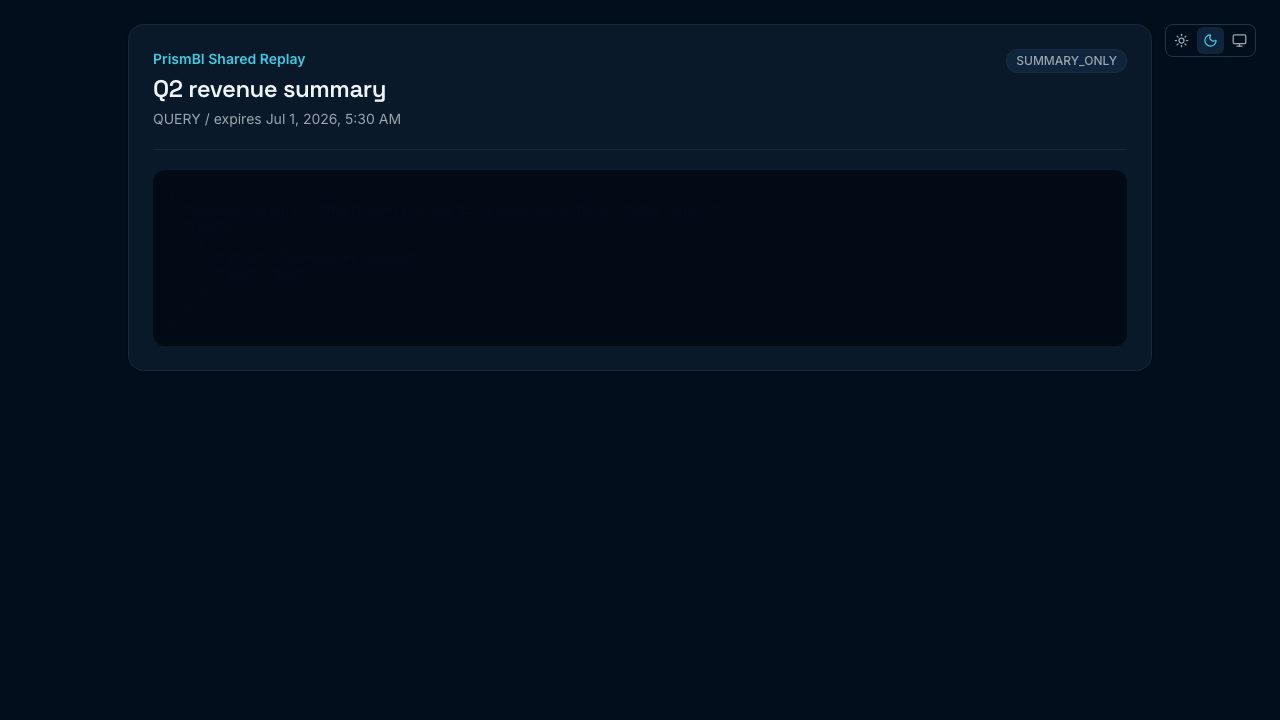
Figure: Anonymous viewer sees title, policy badge, and redacted content.
Exposure policies
| Policy | What viewers see |
|---|---|
| SUMMARY_ONLY | High-level summary; sensitive SQL, traces, and raw data hidden |
| RESULT_WITHOUT_TRACE | Broader result content without execution traces or internal debug detail |
Exact redaction depends on resource type (query, report, BI app, dashboard, evaluation run). Viewers never receive API access or tenant credentials.
Expiration
Shares display an expiration date when configured. After expiry, the link returns an error—request a new share from the publisher.
Tips
- Treat share URLs like sensitive documents; forward only through approved channels.
- If content looks incomplete, the publisher may have chosen a restrictive exposure policy.
- You cannot run follow-up queries from a share page—request access to Explore if needed.
Troubleshooting
| Issue | What to try |
|---|---|
| Link expired | Ask the publisher to create a new share |
| “Not found” | Token may be revoked; verify the full URL |
| Missing charts | Policy may limit to summary-only content |